Free · Open source · No account
A free, simple VPN that finds working servers for you
Kumo collects public servers, tests which ones work, and connects you to the fastest with one tap. You can add your own servers or subscriptions too.
- Android
- Windows
- macOS
- Linux
Free software (GPL-3.0) · Powered by sing-box and Xray
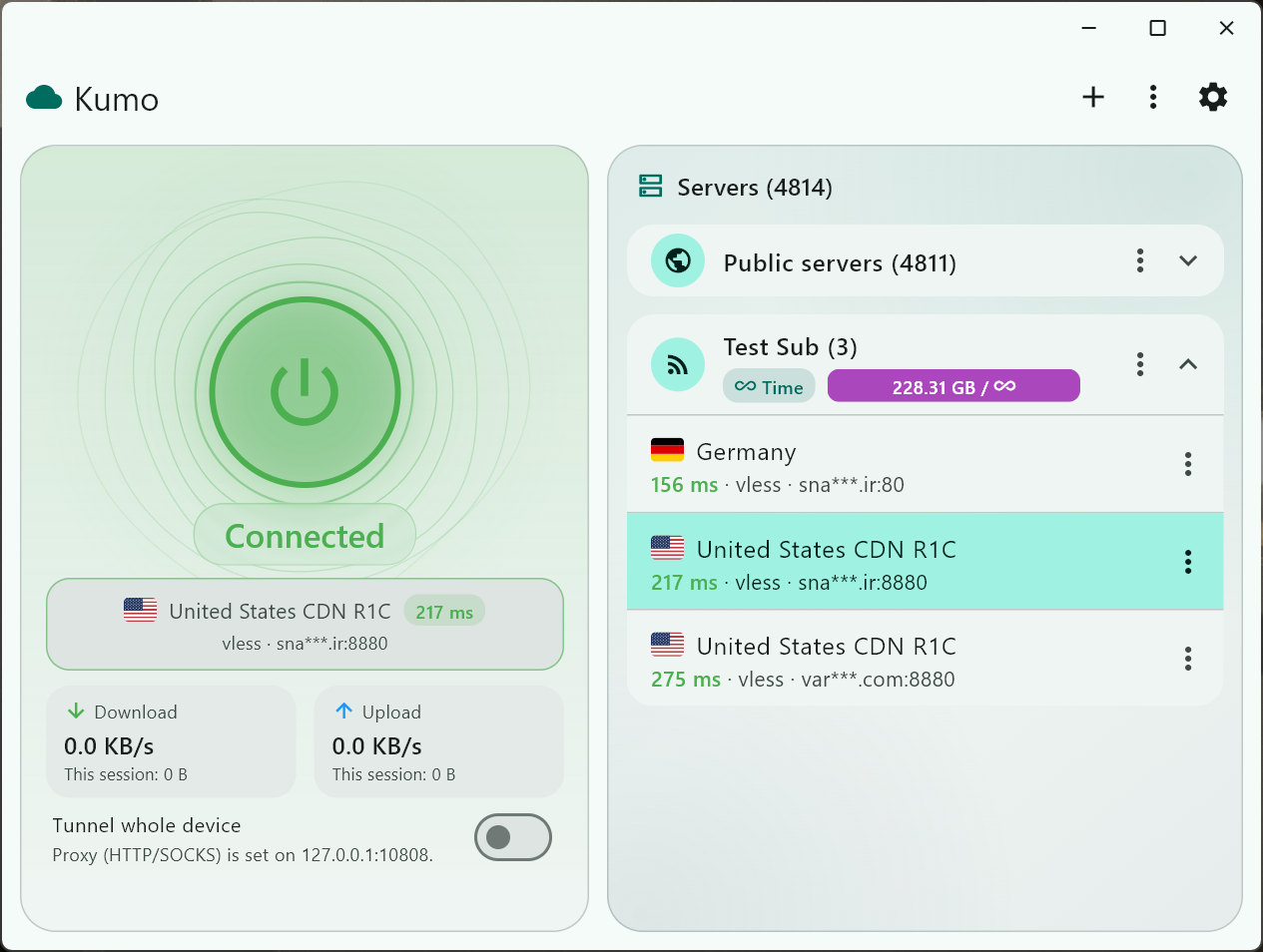
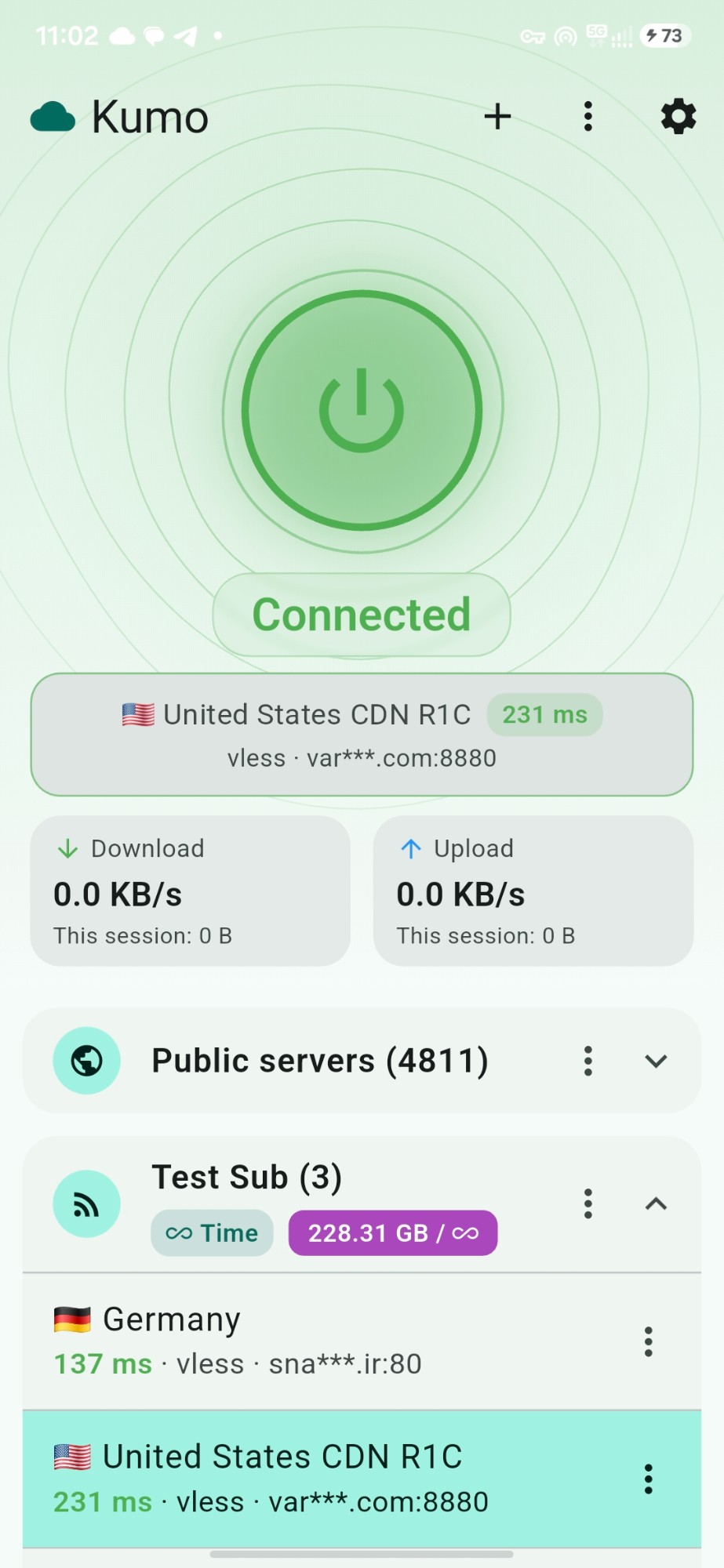
Everything you need to connect
Simple for every day, with enough tools for when you want more.
-
One tap to connect
Automatic mode picks the fastest working server, and moves to the next one when a server stops answering.
-
Free servers and your own
Public servers, tested for you. Add your own configs and subscriptions too: links, QR codes and files, in Clash, sing-box, Xray and Surge formats.
-
Many protocols
VLESS, VMess, Trojan, Shadowsocks, Hysteria 1 and 2, TUIC, AnyTLS, WireGuard, SOCKS, SSH and more.
-
Smart routing
Tunnel the whole device (Android) or use a local proxy. Route per app, send some countries direct, and write your own rules.
-
Privacy tools
Kill switch, strict DNS, WebRTC leak block, ad and tracker block, and IP and DNS leak tests.
-
Everywhere
Android, Windows, macOS and Linux. Speed tests, live usage, widgets, tray icon, Android TV and seven languages.
Three steps to connect
Open Kumo
Wait for the server list to load.
Tap the connect button
Automatic picks the fastest server.
Allow the permission
On Android, allow the VPN permission the first time.
Download Kumo
The newest stable release, from GitHub.
Not sure which Android file? Use ARM64 (most phones). If it will not install, use Universal: it works everywhere but is bigger.
Portable packages keep their data next to them.
Compare a file's SHA-256 with the one GitHub shows next to it in the release.
Looking for a newer test version? See all releases on GitHub.
Good to know
-
The app is not code-signed
Kumo is not on Google Play and is not code-signed, so Play Protect, SmartScreen or Gatekeeper may warn. Android: More details → Install anyway. Windows: More info → Run anyway. macOS: right-click → Open.
-
Public servers
Public servers are run by unknown people. Do not use them for banking or anything sensitive.
-
iPhone and iPad
There is no version for iPhone or iPad.